
Layers, masks & blend modes
Work with raster layers, groups, layer masks, opacity, and non-destructive adjustment layers — the same panel layout you expect from a professional editor.
Try in editorOpen images, work with layers, and export your edits. Start in your browser, or get the free desktop app and follow our guides.
LayersPSDWebGPUOpen Source
Based on the open-source project at github.com/storytold/photocraft. PhotoCraft Online is an independent site — not affiliated with ArtCraft.
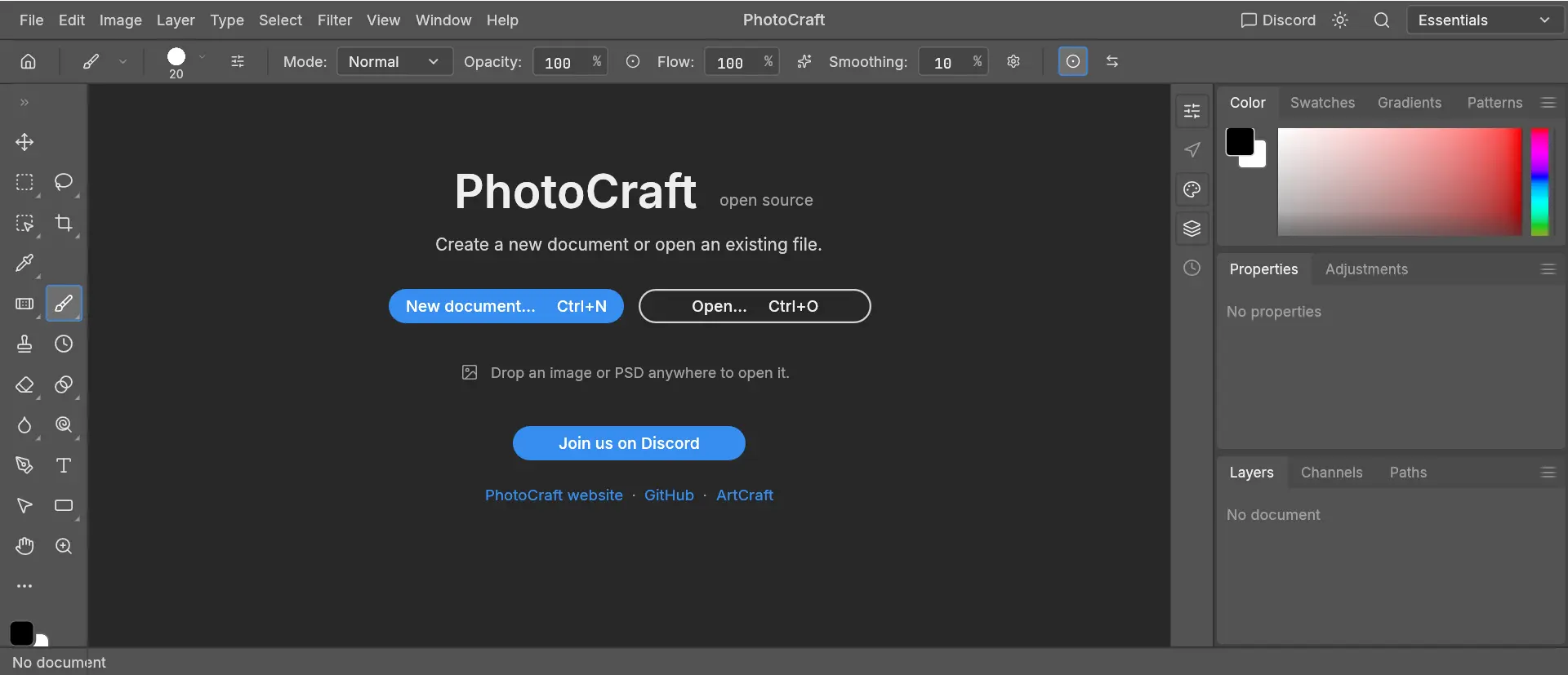
PhotoCraft is a free image editor written in Rust — layers, masks, adjustment layers, and real PSD support. This site hosts the official WebAssembly build and download guides.
MIT / Apache 2.0 — browse the repo, report bugs, and contribute.
Desktop builds for macOS, Windows, and Linux.
Upstream site maintained by the PhotoCraft team.
PhotoCraft Online is an independent website. We mirror the official web build for convenience — we do not modify the editor engine. Learn more
Try the image and layer tools in your browser. The hosted build has its own compatibility limits.
Work with raster layers, groups, layer masks, opacity, and non-destructive adjustment layers — the same panel layout you expect from a professional editor.
Try in editorTry a copy of a supported PSD document. Complex layers, fonts and effects may render differently; keep backups and check the result.
Try in editorNo desktop installation required. The hosted WebAssembly build runs in your browser with graphics support; the initial engine download is about 25 MB.
Try in editorFrom opening an image to a saved PNG. Follow the beginner tutorial.
Open PhotoCraft in your browser — first load may take 30–60 seconds.
Open a small PNG, duplicate a layer, and make a basic brush edit.
Export a PNG and check the downloaded image. Keep the original file and save your work before closing.
可以。本站托管编辑器免费使用,已实测的 PNG 导入、图层编辑与导出流程没有付款步骤。
打开本站编辑器或跟随 PNG 教程无需注册本站账号。
可以。在支持的桌面浏览器中打开在线编辑器即可;首次访问仍需加载编辑器资源,包括约 25 MB 的 WebAssembly 文件。
新手流程已实测 PNG 导入与 PNG 导出。上游项目介绍了 PSD 支持,但你的具体 PSD 文档在本站构建中的兼容性仍需单独检查。
可通过本站下载页选择官方 GitHub 发布中的 Windows、Mac 或 Linux 文件。
启动依赖图形支持及编辑器资源成功加载。可查看加载帮助中的浏览器和网络排查步骤。
已实测的 PNG 编辑流程未观察到图片上传请求,本站也没有图片上传接口。托管请求、本地存储及外部服务说明见隐私政策。
不是。本站独立托管 PhotoCraft WebAssembly 构建并提供指南,不由 ArtCraft 运营,也不与其隶属。
Ready to edit?
Free, open-source — no signup required.