
Layers, masks & blend modes
Work with raster layers, groups, layer masks, opacity, and non-destructive adjustment layers — the same panel layout you expect from a professional editor.
Try in editorOpen images, work with layers, and export your edits. Start in your browser, or get the free desktop app and follow our guides.
LayersPSDWebGPUOpen Source
Based on the open-source project at github.com/storytold/photocraft. PhotoCraft Online is an independent site — not affiliated with ArtCraft.
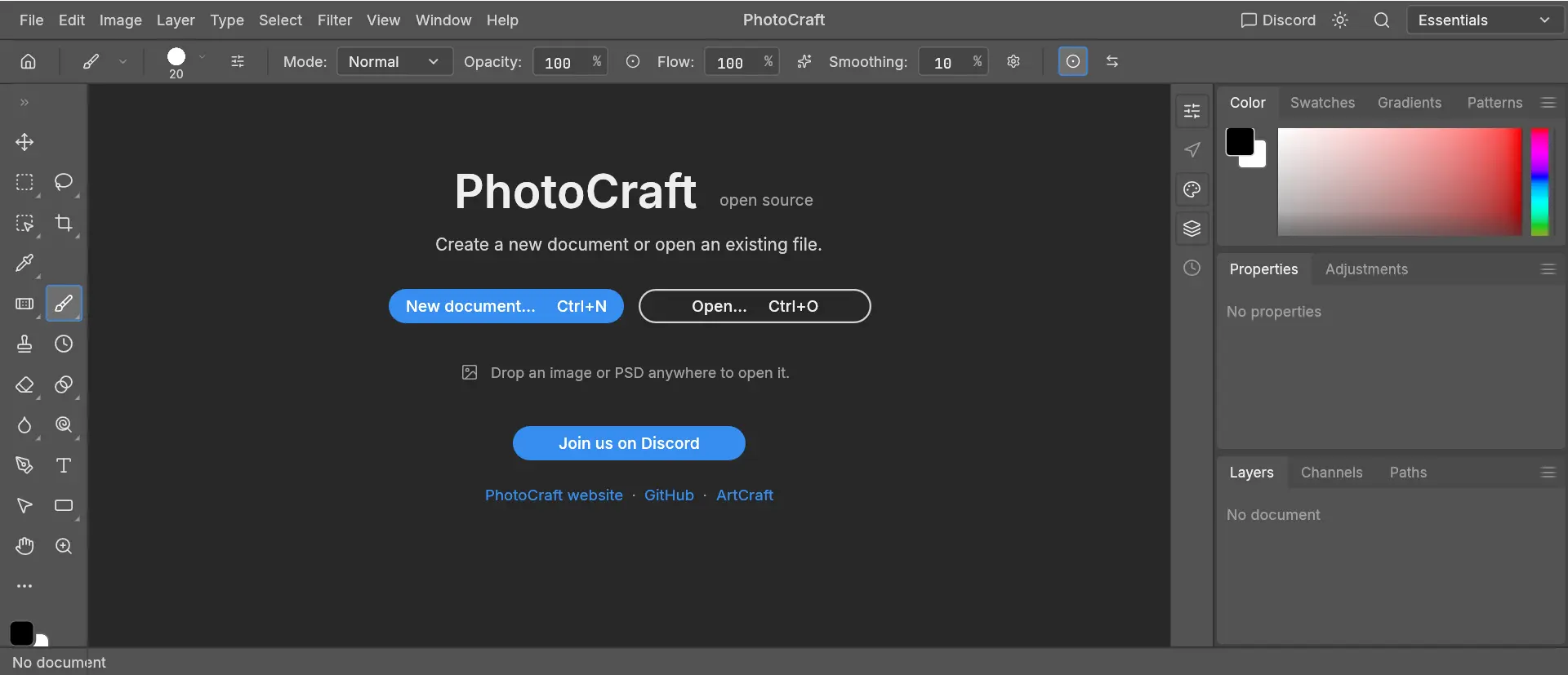
PhotoCraft is a free image editor written in Rust — layers, masks, adjustment layers, and real PSD support. This site hosts the official WebAssembly build and download guides.
MIT / Apache 2.0 — browse the repo, report bugs, and contribute.
Desktop builds for macOS, Windows, and Linux.
Upstream site maintained by the PhotoCraft team.
PhotoCraft Online is an independent website. We mirror the official web build for convenience — we do not modify the editor engine. Learn more
Try the image and layer tools in your browser. The hosted build has its own compatibility limits.
Work with raster layers, groups, layer masks, opacity, and non-destructive adjustment layers — the same panel layout you expect from a professional editor.
Try in editorTry a copy of a supported PSD document. Complex layers, fonts and effects may render differently; keep backups and check the result.
Try in editorNo desktop installation required. The hosted WebAssembly build runs in your browser with graphics support; the initial engine download is about 25 MB.
Try in editorFrom opening an image to a saved PNG. Follow the beginner tutorial.
Open PhotoCraft in your browser — first load may take 30–60 seconds.
Open a small PNG, duplicate a layer, and make a basic brush edit.
Export a PNG and check the downloaded image. Keep the original file and save your work before closing.
Choose an official desktop release and the right package for your computer.
Follow a tested PNG edit with real screenshots and a free practice image.
Compare access, layers and workflow limits before choosing your editor.
Yes. The hosted editor is free to use. Our PNG import, layer edit and export test had no payment step.
No site account is required to open the editor or follow the PNG tutorial.
Yes. Use the browser editor on a supported desktop browser. The first visit downloads the editor assets, including about 25 MB of WebAssembly.
Our beginner workflow tested PNG import and PNG export. The upstream project describes PSD support, but compatibility of your PSD document in this hosted build must be checked separately.
Use our download page to choose Windows, Mac or Linux assets from the official GitHub release.
Startup depends on graphics support and successful editor-asset downloads. See loading help for browser and network checks.
No image-upload request was observed in our tested PNG editing workflow. This site has no image-upload endpoint. See the privacy policy for hosting requests, local storage and external services.
No. This is an independent website hosting a PhotoCraft WebAssembly build and guides. It is not operated by or affiliated with ArtCraft.
Desktop downloads · Beginner tutorial · Loading help · Privacy policy
Ready to edit?
Free, open-source — no signup required.