
FREE PHOTOCRAFT · PRODUCT & DOWNLOAD GUIDES
PhotoCraft App: Desktop Software, Web Editor and Downloads
Identify the product first, then choose a version for your task.
What Is the PhotoCraft App?
This page covers the open-source PhotoCraft image editor in ArtCraft’s lineup, with upstream source at storytold/photocraft. Its official description includes layers, masks, adjustments, type, brushes and PSD workflows, and labels the project early alpha.
“App” does not necessarily mean a mobile application. This project publishes desktop packages and a Web build; this website’s main entry point is the hosted browser version. ArtCraft and PhotoCraft explained。
Desktop Software, Web Build and Our Online Editor
Scroll horizontally to see every column, or focus the table region and use the arrow keys.
| Option | When to examine it | Version and next step |
|---|---|---|
| Our hosted browser editor | Try a practice workflow without a desktop installation. | 72921900975c7e6f · Beginner tutorial |
| Upstream desktop app | Work in a Windows, Mac or Linux desktop environment. | v0.7.0 · Choose a platform package |
| Upstream Web ZIP | Self-host a WebAssembly website. | Official hosting guide · Not a desktop installer. |
A newer desktop release does not automatically update our editor. We do not replace the engine binary just to match a version label; verify features and file compatibility in the build you actually use.
How to Start Using PhotoCraft Software
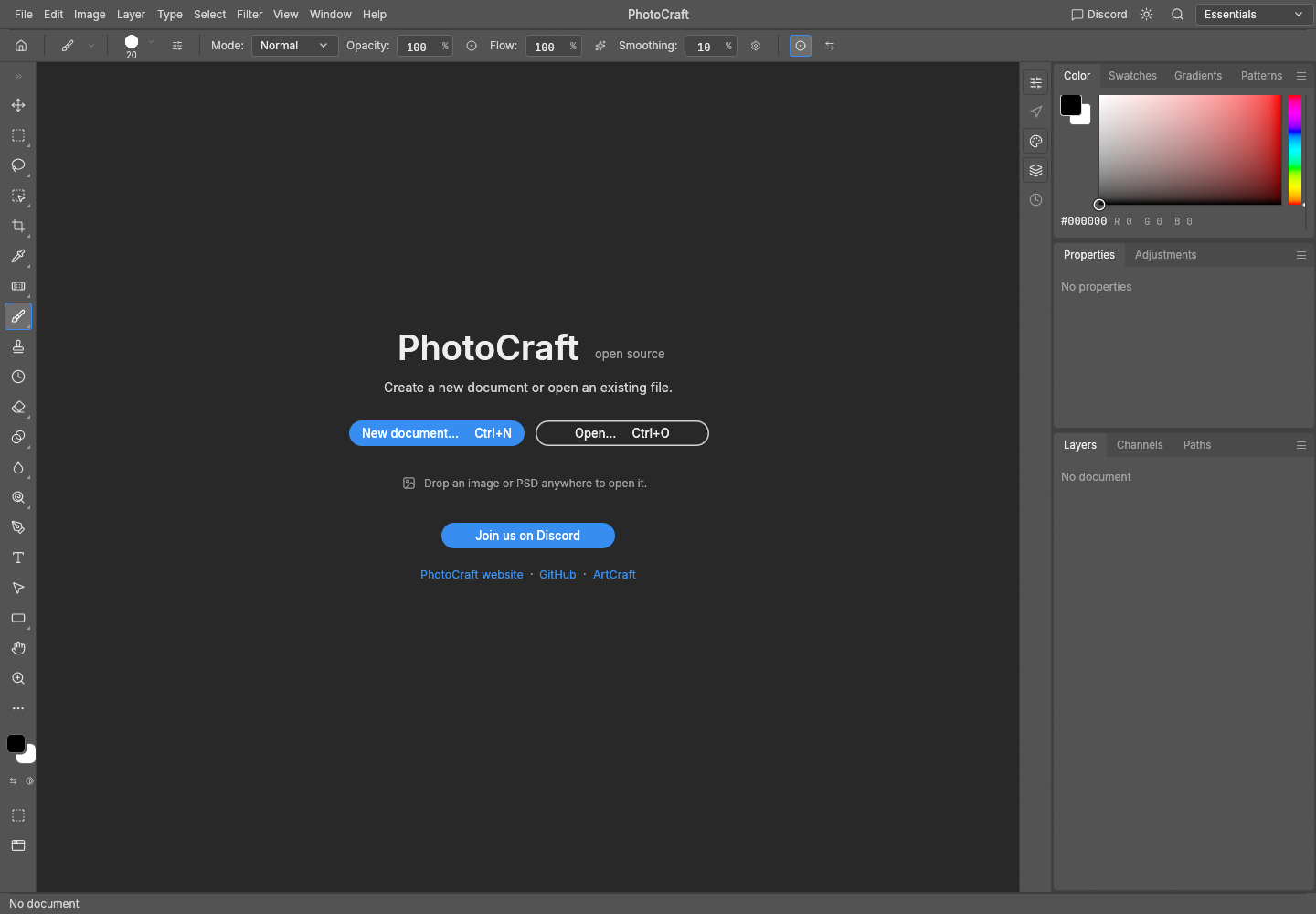
Try the browser first
- Open our free editor and wait for the welcome screen.
- Download the original practice PNG and follow the tutorial to open it, duplicate a layer, edit and export.
- Reopen the output to check it. Keep an editable document and a flattened image separately if you want to continue working with layers.
Use a desktop package
- Open the platform download guide; Windows users can go directly to the Windows guide.
- Check architecture, release, source and checksum, then follow the platform’s installation or portable steps.
- Verify opening, editing, saving and reopening a copy before using important work.
Is a PhotoCraft App-Store Listing the Same Product?
Do not identify a product by its name alone. The checked upstream release lists desktop and Web assets, not an Android APK or iOS package. Google Play also lists PhotoCraft AI: Edit & Art by 89 games, with a developer identity different from this upstream project. View that store listing。
- Check whether the developer, official site, repository and privacy notice identify the same product.
- Do not use our desktop/Web tutorial as instructions for another mobile app.
- Our editing interface is primarily for desktop browsers. Reading a guide on a phone does not establish a tested mobile editing workflow.
What Has Been Tested on This Site?
The pinned Web build was checked for PNG import, layer duplication, a brush edit, a simple two-layer PSD save and reopen, and PNG export. Complex PSDs, type, masks, transparency, a Photoshop comparison and every professional workflow have not been validated.
The x64 portable package has a separate limited CLI sample check, described on the Windows page. Neither check certifies every platform. Windows check scope。
Free Access, Open Source, Safety and Photoshop Replacement
Our browser exercise requires no site account or payment, and the linked release files come from the open-source project. Licensing and safety verification are different questions. PhotoCraft access terms do not establish the terms of every ArtCraft AI service.
Source and licenses · Safety and file privacy · Compare with Photoshop · Alternatives by task
Product Information Sources
Checked these official destinations on October 11, 2026; verify features and platforms in the exact version you use.
Official PhotoCraft product page · v0.7.0 · PhotoCraft GitHub
PhotoCraft App FAQ
Is the PhotoCraft app an Adobe product?
No. This page covers a separate upstream open-source project, without an Adobe-product or complete Photoshop-replacement claim.
Must I install it before using it?
No desktop installation is required for our browser version, but your first visit still downloads the editor assets.
Are all mobile, desktop and Web products with this name one app?
Do not assume that. Check the developer, release files and actual build.
Where is the latest version?
Check the upstream latest release; our links are dated checks.
After identifying the PhotoCraft app, choose browser access or desktop downloads.