
FREE PHOTOCRAFT · PHOTOCRAFT
AI Photoshop Clone: Try PhotoCraft and Understand Its Limits
Explore PhotoCraft as a Photoshop-style open-source editor. Try the browser app, understand AI terminology, compare limits and find downloads and source.
What are you looking for in an AI Photoshop clone?
The phrase can describe an editor developed with AI assistance, an editor controlled by an AI agent, or an editor with generative image tools. These meanings are different. If you came looking for PhotoCraft, this page gives you a working browser entry and the upstream source, without treating the word clone as a promise of complete Photoshop compatibility.
| Intent | What to check | PhotoCraft boundary |
|---|---|---|
| AI-assisted software development | Creator statements and development evidence. | The label alone proves neither code quality nor runtime AI features. |
| Agent-controlled editing | CLI, commands and MCP integration. | Upstream documents agent automation; this website has no connected agent assistant. |
| Generative Fill and text-to-image | Actual model-backed tools and availability. | The v0.8.2 README lists AI/generative features among major gaps. Our hosted sample does not provide those tools. |
Try an actual PhotoCraft editing workflow
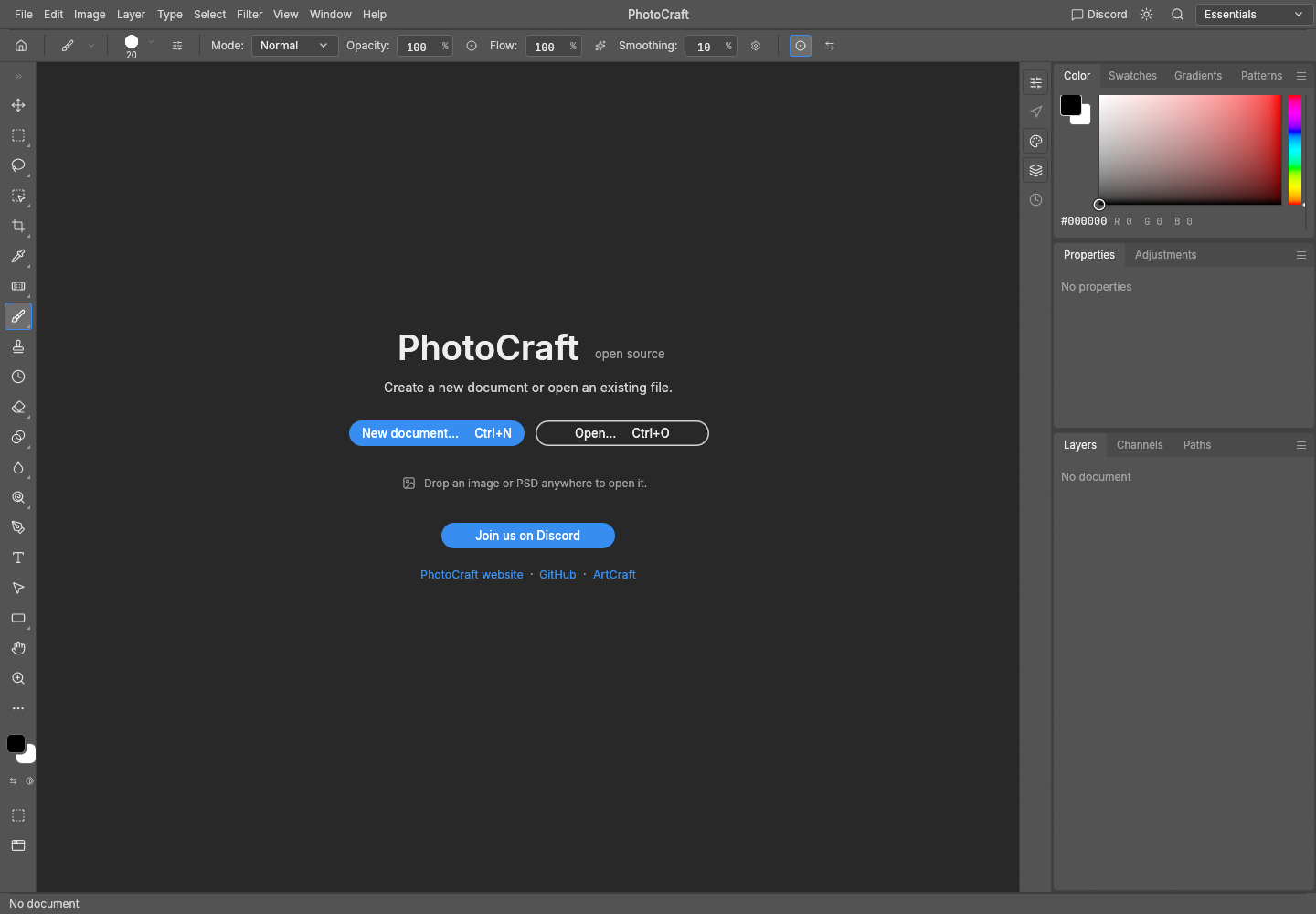
- Open our browser editor on a desktop browser. The first visit downloads the engine; no site account or installation is required for the sample.
- Use the original practice PNG from the beginner tutorial. Import it, duplicate its layer and make a brush edit.
- Save a two-layer PSD, reopen it in PhotoCraft and export PNG. Compare the result before trying your own complex project.
Can it replace Photoshop for your task?
Our verified sample covers PNG import, layer duplication, a brush edit, a simple two-layer PSD round trip and PNG export. Complex PSDs, editable text, masks, plug-ins, professional color output and Photoshop performance were not established by that sample. Native release capabilities and our hosted build must be evaluated separately.
For generative editing, compare the actual feature offered by a model-backed product. Adobe documents Generative Fill; PhotoCraft’s current README explicitly lists generative capabilities as a gap. For professional delivery, use the original application to verify file fidelity before switching. Adobe Generative Fill。
Detailed PhotoCraft vs Photoshop comparison · Choose alternatives by task
Download, inspect the source or host it yourself
Use storytold/photocraft for this editor. The separate storytold/artcraft repository describes an AI image/video studio and is not a substitute for the editor source. MIT / Apache-2.0 licensing does not establish the costs or policies of every ArtCraft service.
Desktop downloads · Source and Web hosting guide · v0.8.2 README
A Web ZIP contains static browser files; a source ZIP contains code to build. If your goal is to build a Photoshop-style editor with AI, the repository is a starting point for studying architecture, not a guarantee that one prompt produces a production editor.
Community and questions
Upstream issues · ArtCraft Discord · Download and file safety
Is PhotoCraft Adobe Photoshop?
No. It is an independent open-source editor. This website is also independent of Adobe and ArtCraft.
Does this site offer free AI Generative Fill?
No. The browser entry offers the pinned image editor and its verified basic workflow. AI-built and agent-drivable do not imply Generative Fill.