
FREE PHOTOCRAFT · EVIDENCE GUIDE
PhotoCraft PSD and Image Compatibility
Use the checked browser samples to decide what to try first. These are workflow checks of the pinned Web build, not a Photoshop compatibility guarantee.
See App and versions for version details. The inputs and outputs below are real records from October 14, 2026 on Web build 72921900975c7e6f.
Five sample workflows: inputs, steps and outputs
| Type | Input and steps | Output and boundary |
|---|---|---|
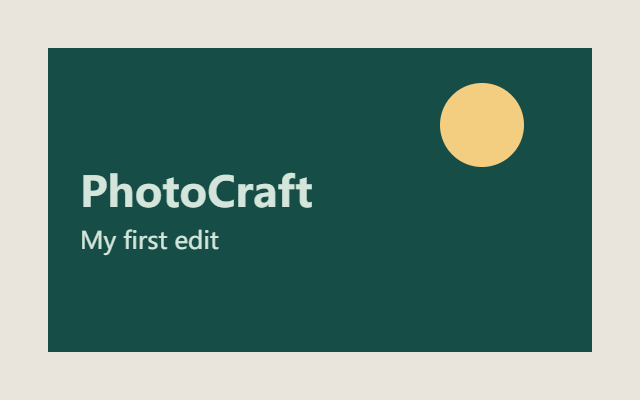
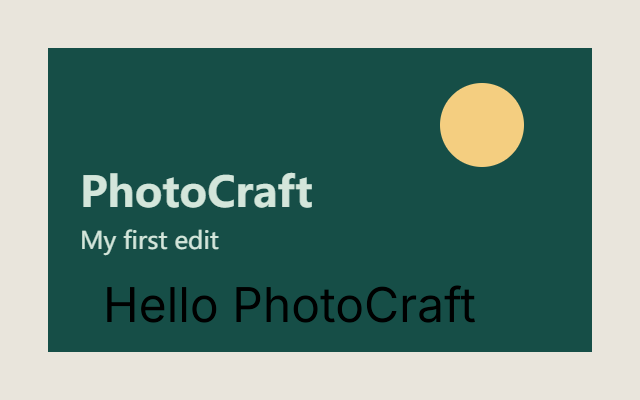
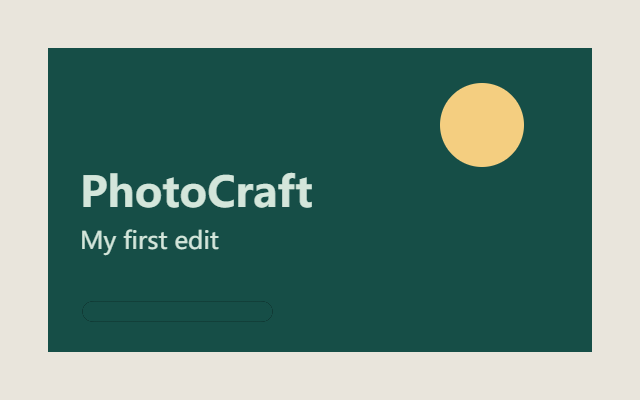
| PNG basics | Practice PNG → open, duplicate, brush, resize/crop. | Resize output · Crop output; small raster sample. |
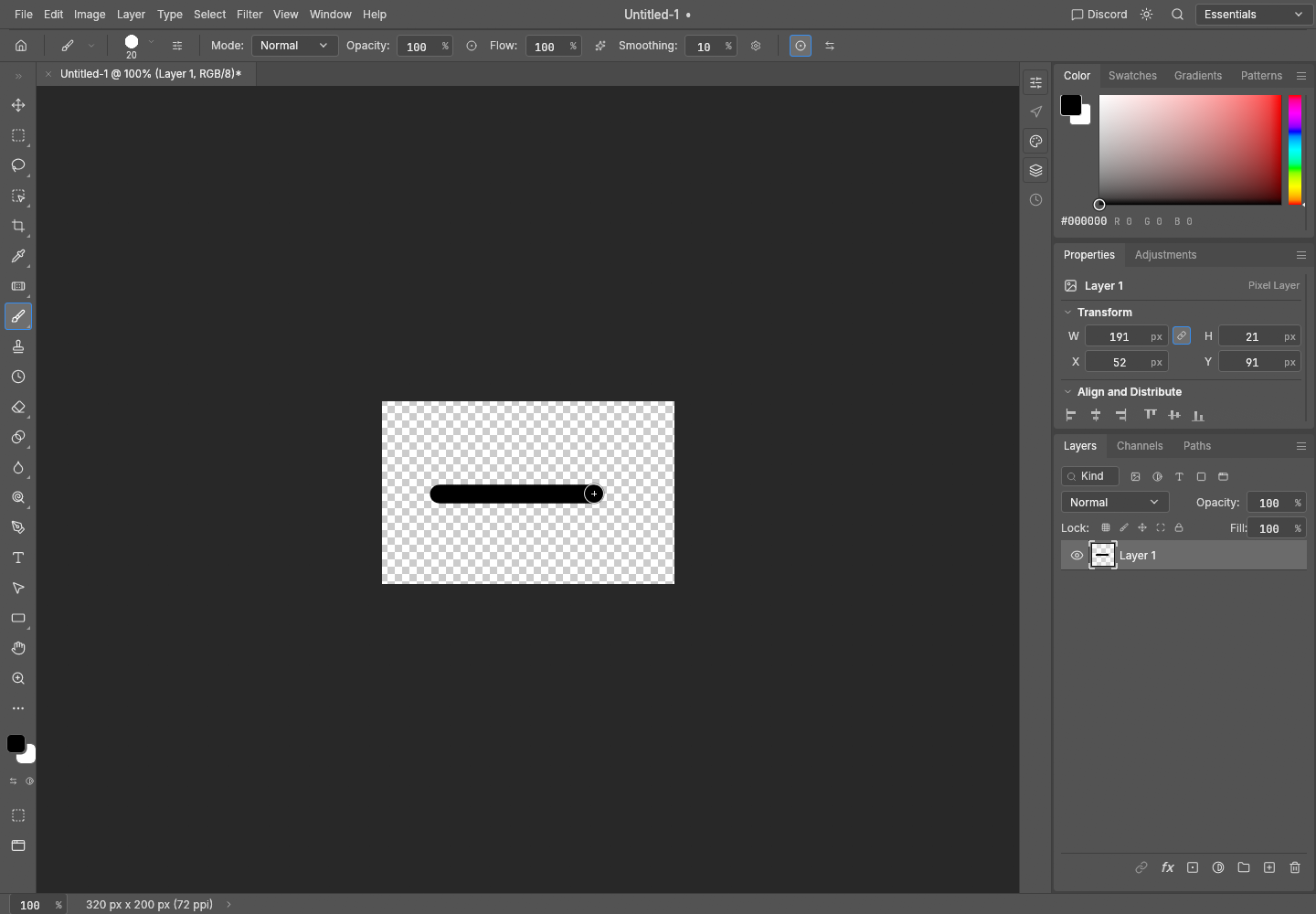
| Transparent PNG | New transparent canvas → brush → export. | Transparent output; complex transparent PSD unverified. |
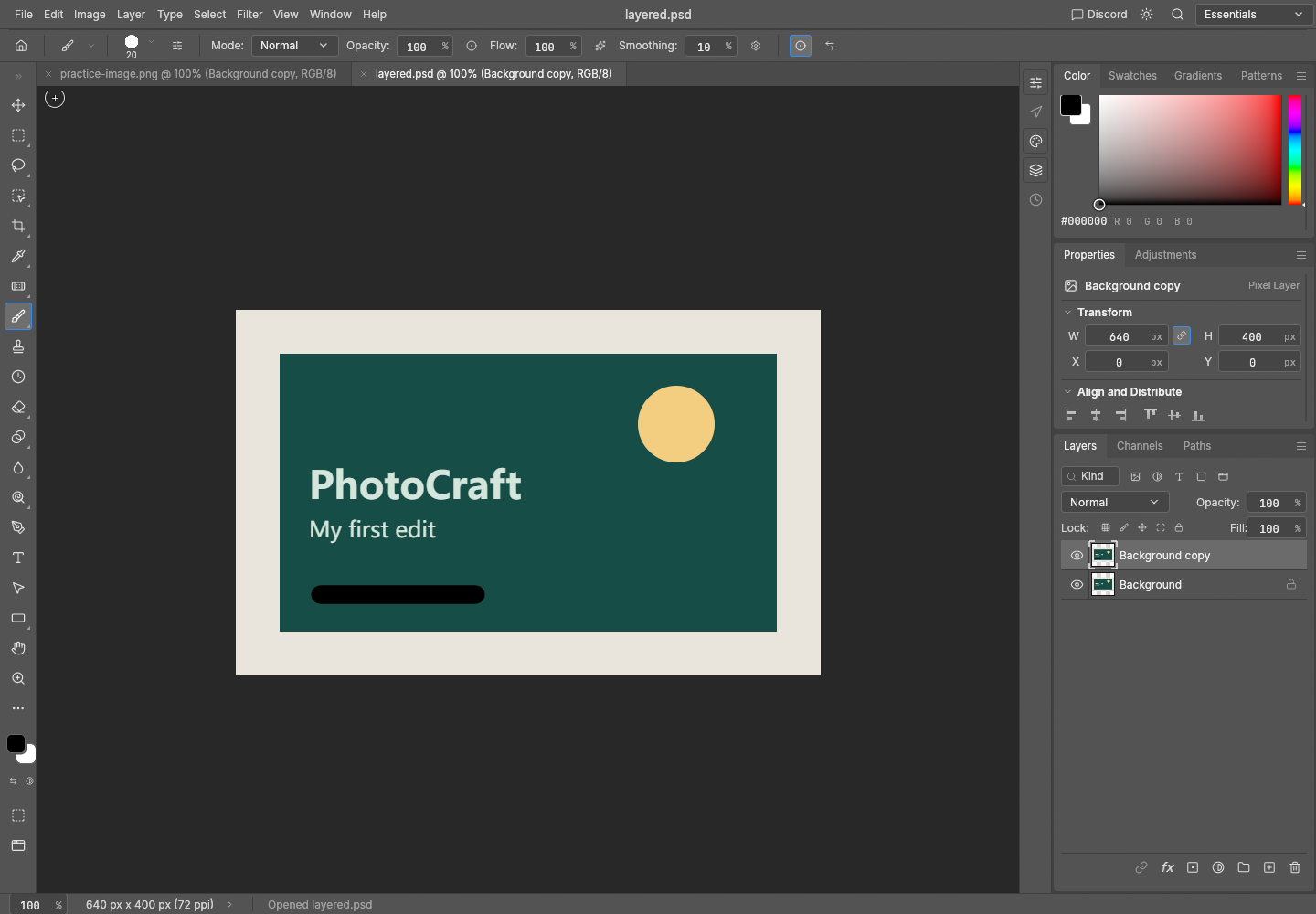
| Two-layer PSD | Two-layer PSD input → open, edit, save, reopen. | Reopen record; PhotoCraft-only round trip, no Photoshop round trip. |
| Text | Practice image → Type tool short text → export. | Text output; default Inter rendering only. |
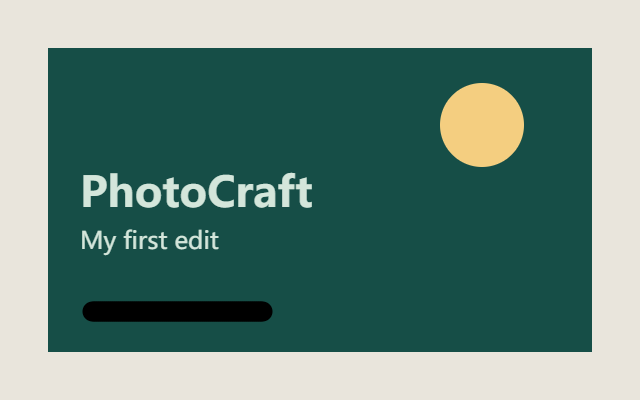
| Mask | Duplicate layer → add mask → brush on mask → export. | Mask output; simple pixel layer, PNG flattened. |

What has evidence
| Workflow | Observed result | Boundary |
|---|---|---|
| PNG open, layer edit and export | Practice PNG opened, duplicated, brushed and exported. | Small raster sample only. |
| Simple two-layer PSD | Two pixel layers were saved and reopened; the brush edit remained visible. View sample screenshot. | PhotoCraft-to-PhotoCraft; no Photoshop round trip. |
| Transparency | RGBA PNG sample retained transparent and opaque pixels. View sample. | One new canvas and one brush stroke. |
| Text | Short default Inter text rendered and exported. | Arbitrary fonts, typography and editable PSD text are unverified. |
| Simple mask | A pixel-layer mask revealed the original area and was exported. | PNG is flattened; complex masks and adjustment layers are unverified. |
What to check yourself
JPEG input, complex PSDs, smart objects, adjustment layers, plug-ins, print color workflows and Photoshop round trips do not have a completed test record here. Keep an original copy, open a small representative file first, save an editable document, export a flattened image, and reopen both outputs.